Examples
One project. Two very different blogs.
Both examples read the same posts from the same Blogkit project. Everything you see — layout, type, colour — is the site’s own. Download either one and point it at your key.
Next.js 16
Download the exampleMagazine
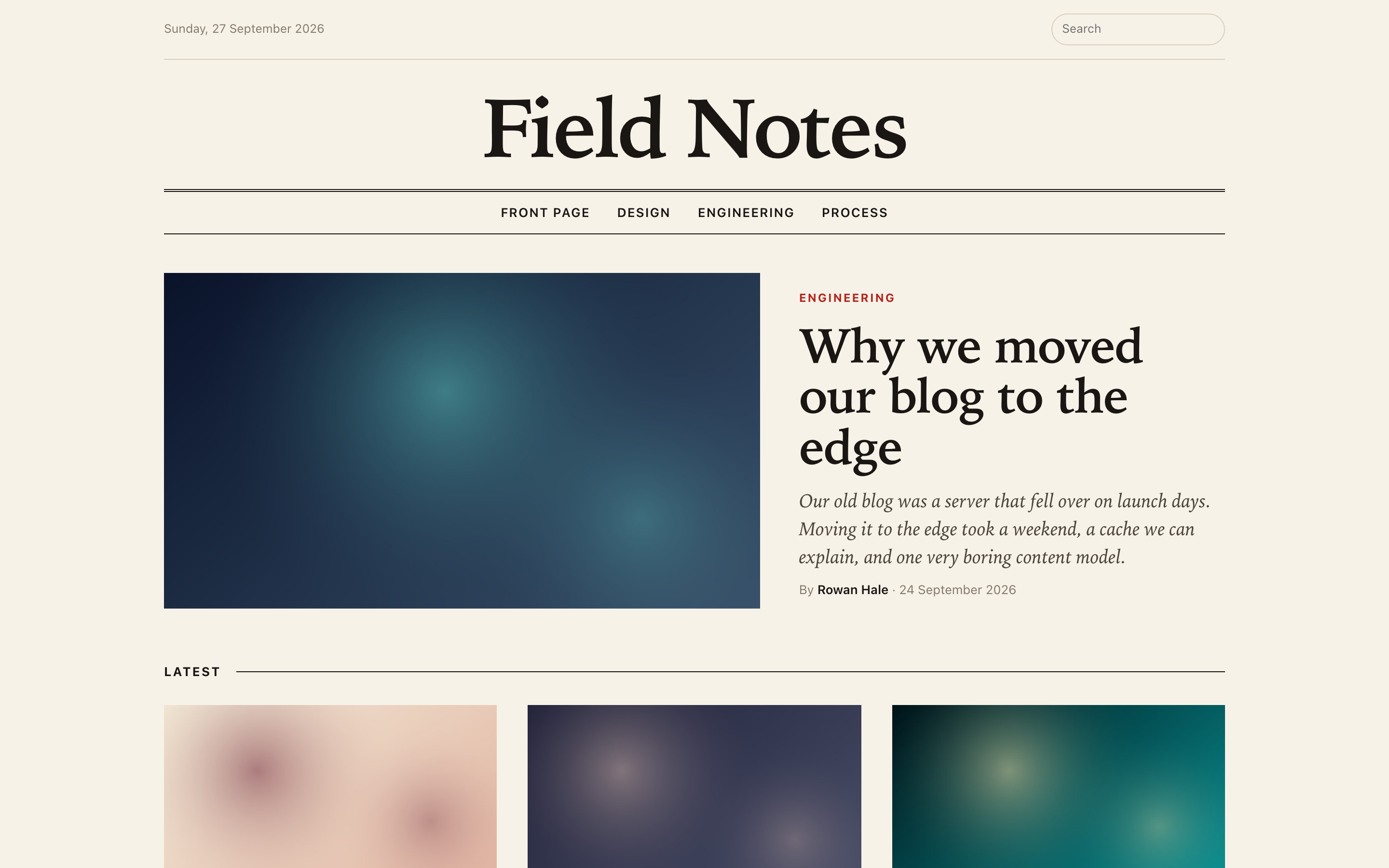
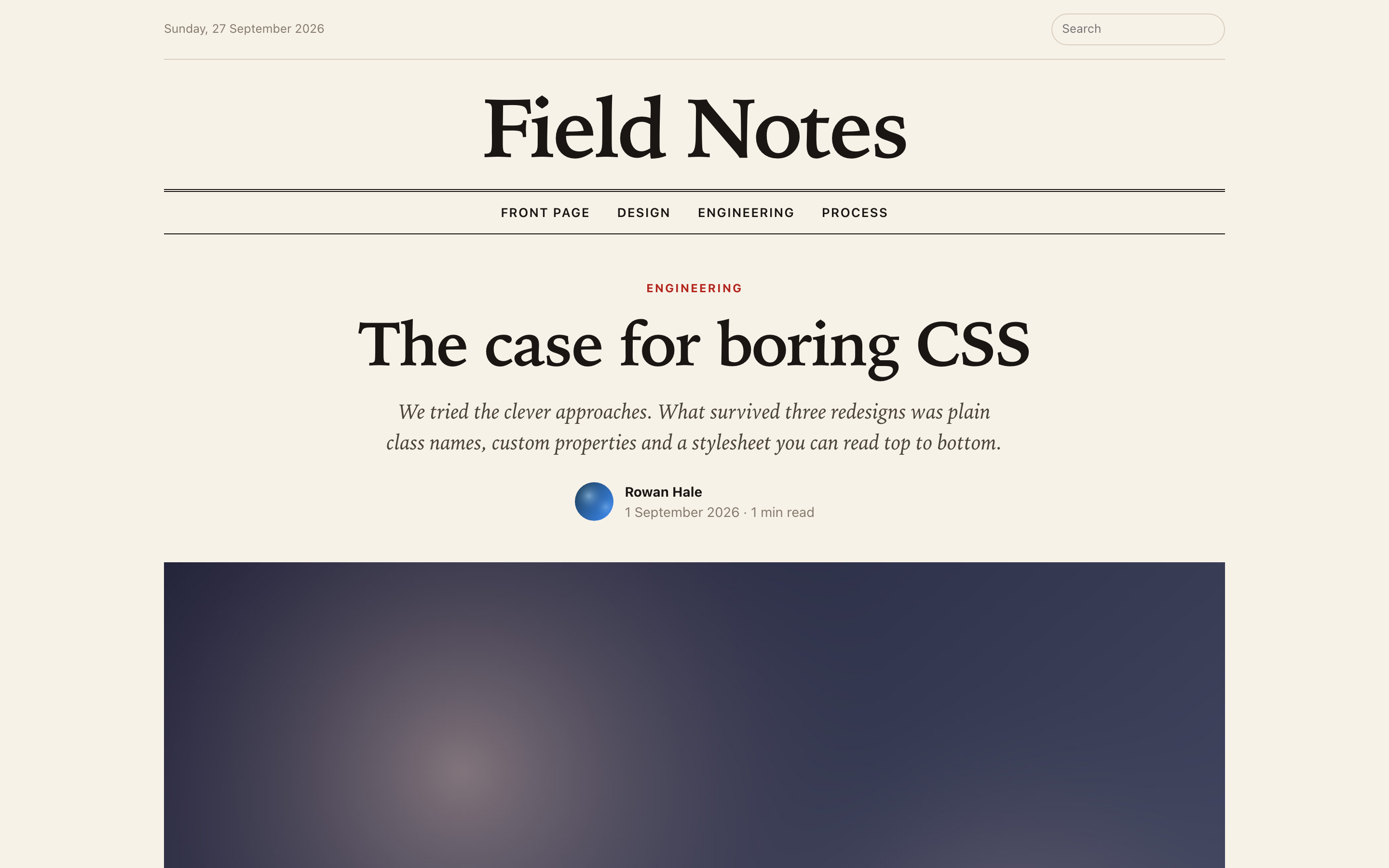
An editorial front page, sections, search and long-form articles with a table of contents.
What it shows
- Server Components all the way down — the key never reaches the browser
- BlogContent with a custom renderer for code blocks, with a copy button
- Static pages refreshed in the background once a minute
- Search, related posts, a sitemap, and a 404 from BlogkitNotFound
const post = await blogkit.blogs.get(slug)

<article>
  <h1>{post.title}</h1>
  <BlogContent blocks={post.blocks} renderers={{ code: CodeBlock }} />
</article>
Astro 7
Download the exampleNotebook
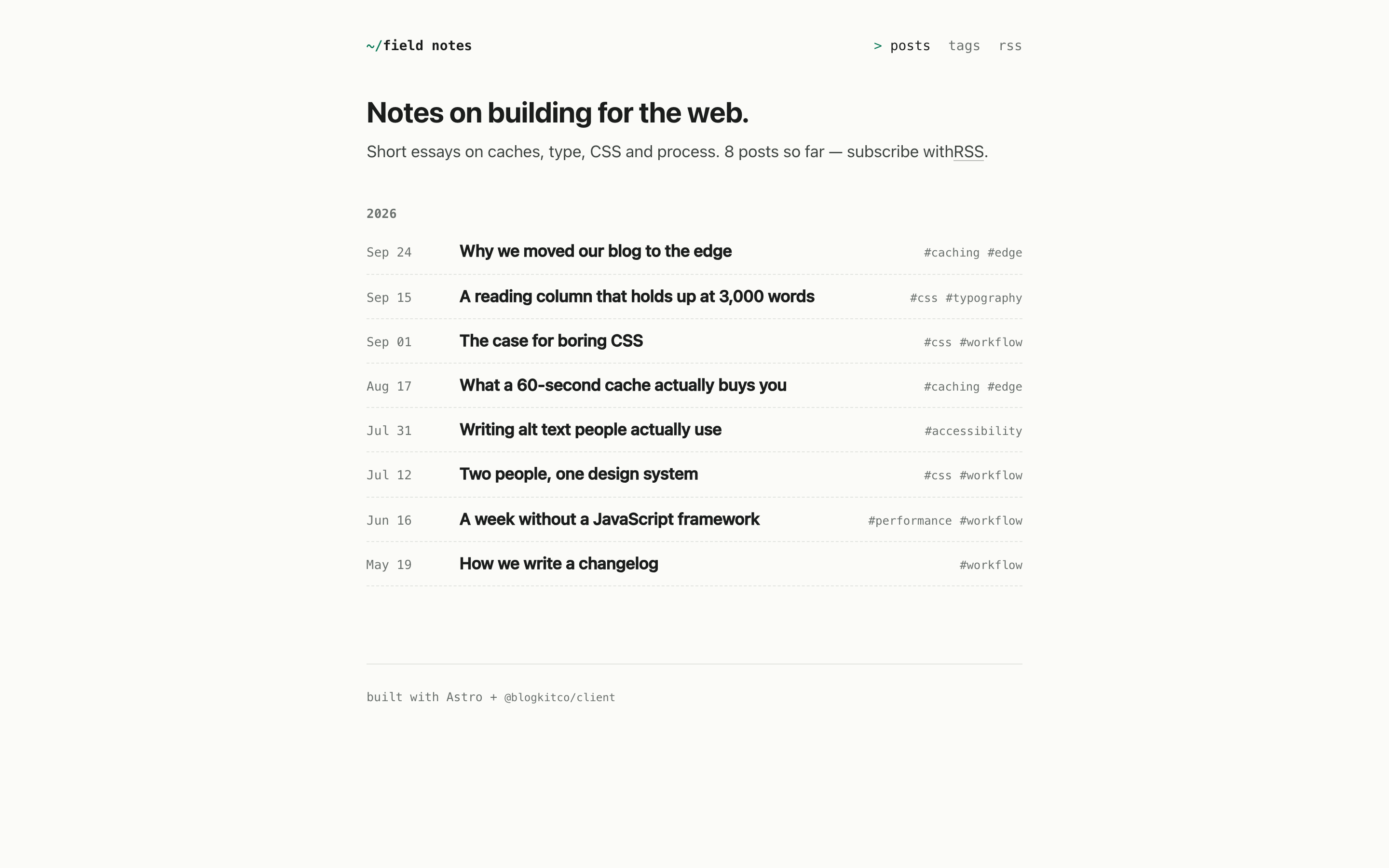
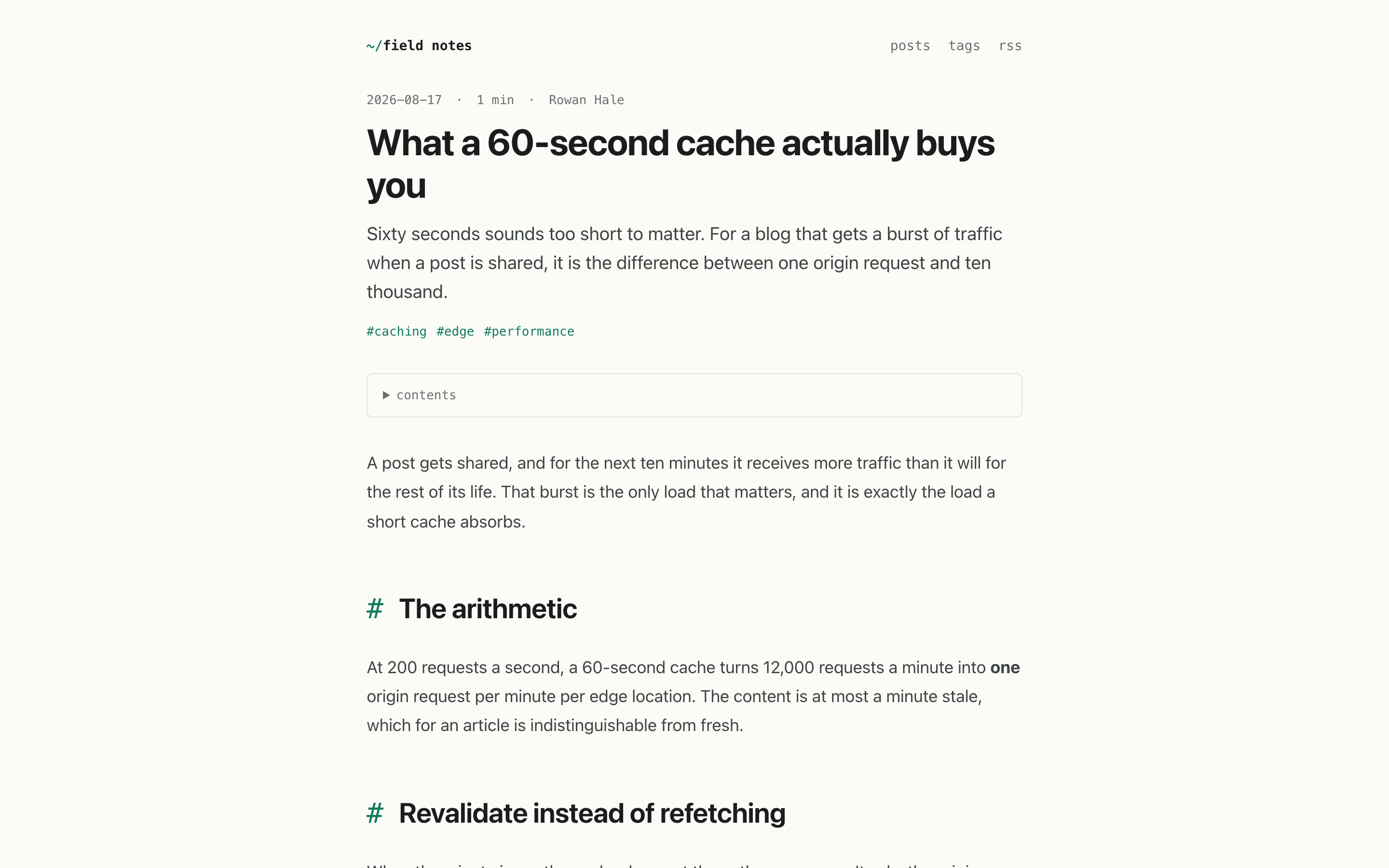
A minimal, fully static notebook: an archive by year, tag pages, a full-text RSS feed and dark mode.
What it shows
- No React at all — renderBlocks returns HTML, Astro inserts it
- The same call renders every item in the RSS feed
- Styled through data attributes and the stylesheet’s variables
- Built once; the output is plain HTML that never calls the API
---
const post = await blogkit.blogs.get(Astro.params.slug!)
---
<article>
  <h1>{post.title}</h1>
  <Fragment set:html={renderBlocks(post.blocks)} />
</article>
Run one in two minutes.
unzip nextjs-magazine.zip && cd nextjs-magazine
cp .env.example .env.local   # add your API key
npm install
npm run dev
Each download has a README covering the rest.