Add a blog to the site
you already have.
Your team writes in a calm, fast editor. Your site gets the posts with one API call — in its own design. No new CMS to host, no theme to fight.
Works with the stack you already have
- Next.js
- Astro
- Remix
- SvelteKit
- Nuxt
- Express
- Hono
- Any HTTP client
Five minutes from key to published post.
- Install
@blogkitco/client - Add your key to your server’s environment
- Show your posts with one component, or one function
An editor your team will actually like.
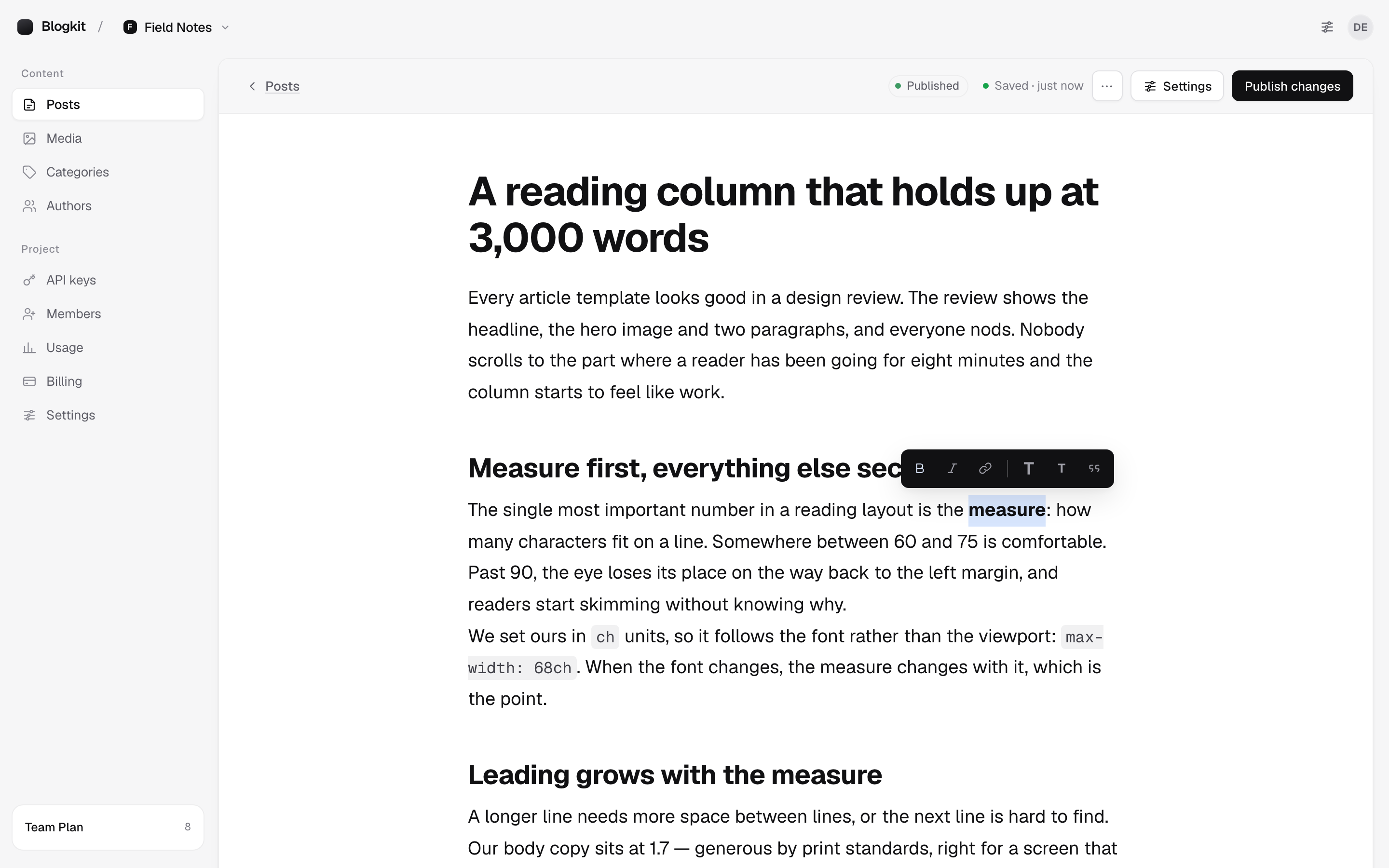
Type / to insert
Images, code, embeds and dividers from the keyboard — or the + on an empty line.
Select to format
Bold, italic, links, headings and quotes in a small bubble, only when you need it.
Saves as you go
Autosave, revisions you can restore, and a publish check that catches missing alt text.
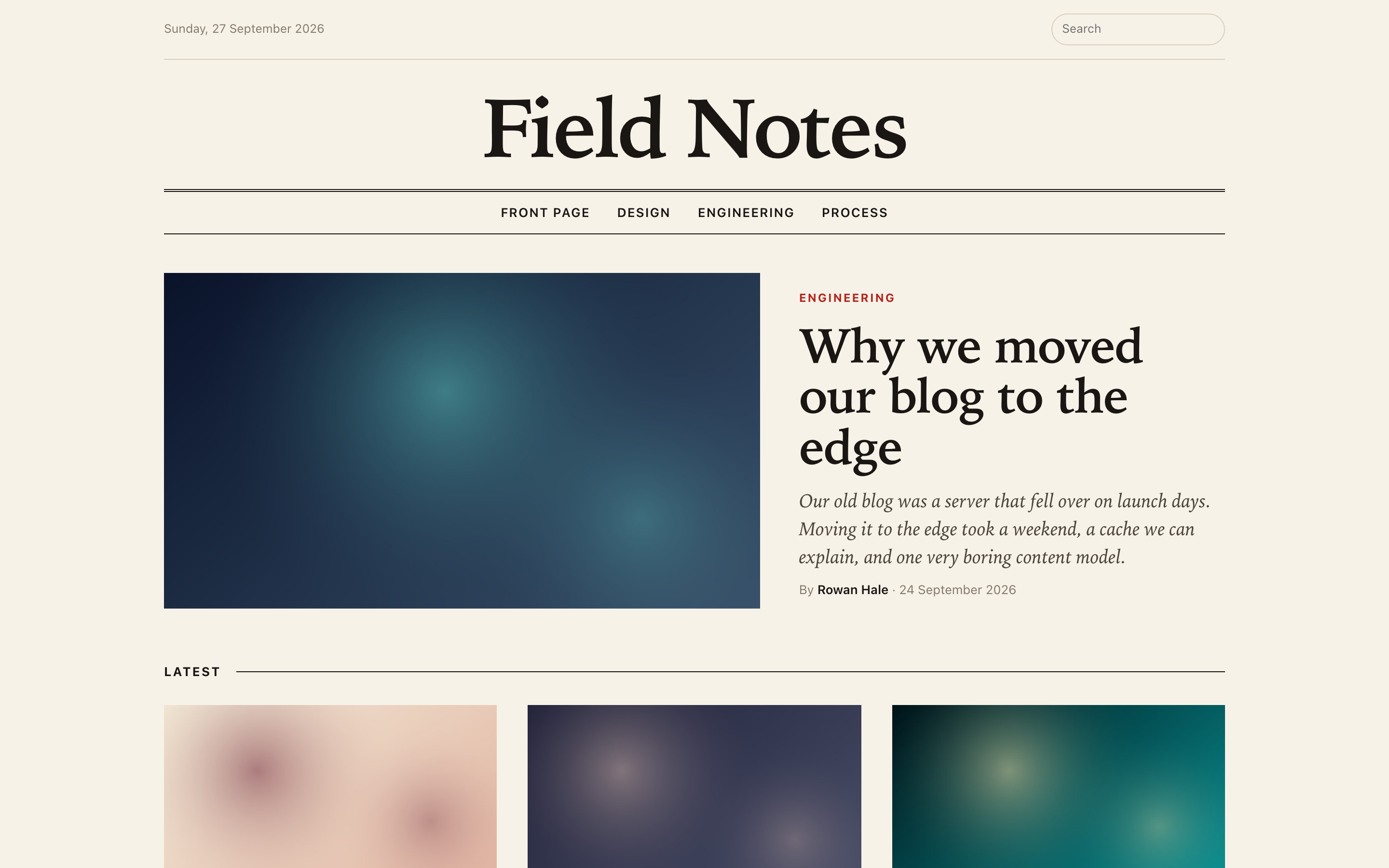
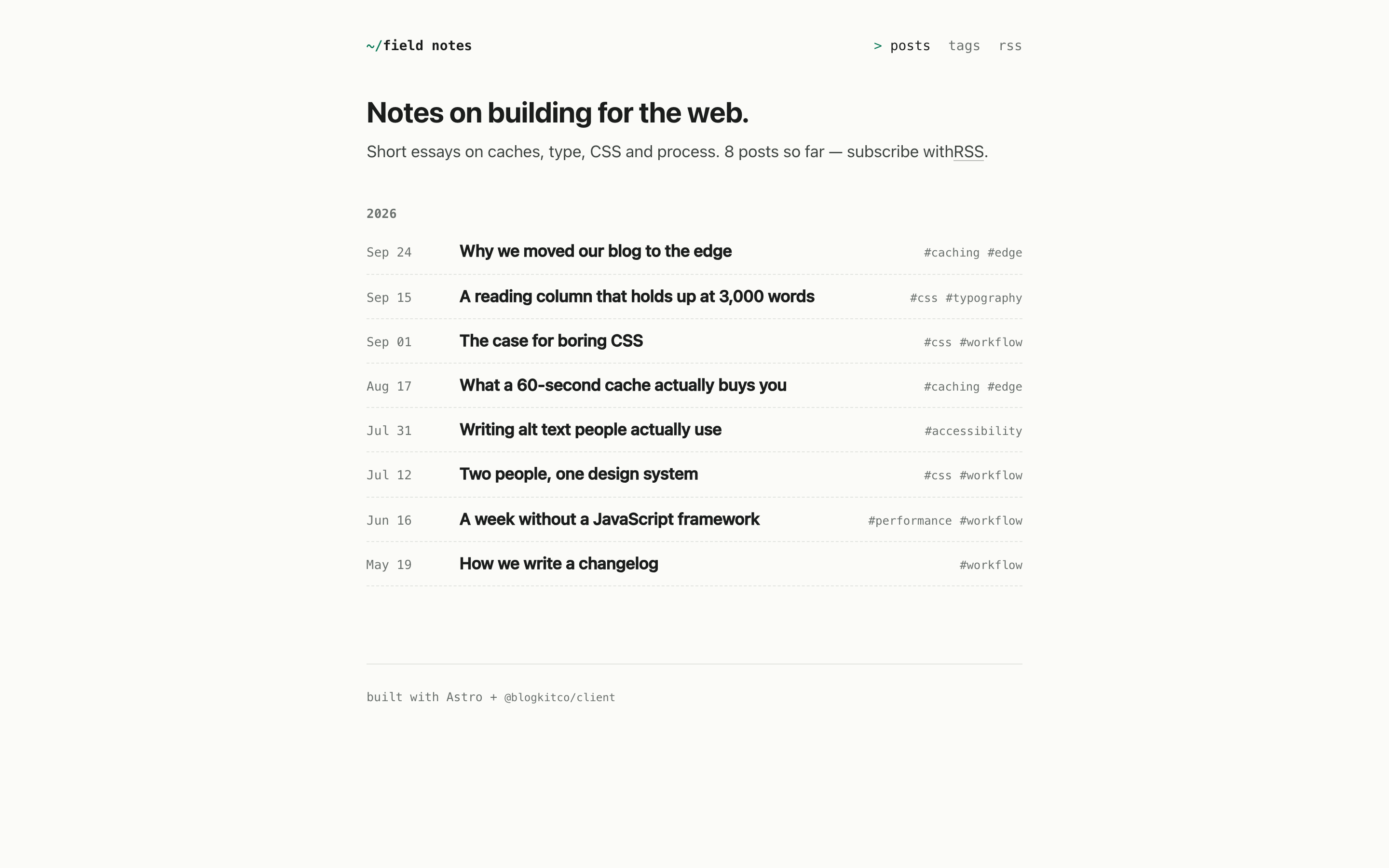
Same posts. Nothing looks like a template.
Two example sites, one Blogkit project: a magazine on Next.js and a notebook on Astro.
Or let your AI assistant add it.
Paste one prompt into Claude, Cursor or Copilot inside your project. It installs the client, builds the pages and matches them to your site. Your key stays in your env file.
How it worksAdd a blog to this website using Blogkit, a headless blog CMS. Posts are written in Blogkit and read with its official client, @blogkitco/client.
Setup
- Install: npm install @blogkitco/client
- The API key is in the environment variable BLOGKIT_API_KEY. I will add it to the env file myself. Never hard-code a key and never ask me to paste one here.
- Create one client in a server-only module and use it only in server code (server components, loaders, getStaticPaths, route handlers). The key must never reach the browser.
import { createClient } from '@blogkitco/client'
export const blogkit = createClient({ apiKey: process.env.BLOGKIT_API_KEY! })
Build
1. A blog index at /blog: `const { data, meta } = await blogkit.blogs.list({ page, limit: 12 })`. Each post has slug, title, excerpt, publishedAt, readingTime, featuredImage (url, alt, width, height, placeholder, variants.card / .hero / .thumb / .og), author (name, avatar) and categories. Paginate with meta.hasNext.
2. A post page at /blog/[slug]: `const post = await blogkit.blogs.get(slug)`.
- React or Next.js: `import { BlogContent } from '@blogkitco/client/react'` then `<BlogContent blocks={post.blocks} />`. It works in Server Components.
- Any other framework: `import { renderBlocks } from '@blogkitco/client'`. `renderBlocks(post.blocks)` returns sanitised HTML to insert as raw HTML (set:html, v-html, innerHTML).
- Import `@blogkitco/client/styles.css` once. It only styles `.bk-content`. Match the site by setting --bk-accent, --bk-ink, --bk-font and --bk-measure rather than overriding selectors.
- A missing slug throws `BlogkitNotFound` (import it from '@blogkitco/client'). Catch it and show the site's normal 404.
- Metadata: title from post.seo.metaTitle ?? post.title, description from post.seo.metaDescription ?? post.excerpt, image from post.seo.ogImage, canonical from post.seo.canonicalUrl.
3. Optional, if it fits the site: category and tag pages (`blogkit.blogs.list({ category })`, `blogkit.blogs.list({ tag })`, `blogkit.categories.list()`, `blogkit.tags.list()`), related posts (`blogkit.blogs.related(slug, 3)` — title, excerpt and date only), search (`blogkit.search(q)`; each result's highlight is safe HTML with <mark>), and a sitemap (`for await (const post of blogkit.blogs.all())`).
Freshness
- Next.js: pass `fetchOptions: { next: { revalidate: 60 } }` to createClient, and use generateStaticParams with blogkit.blogs.all().
- Static sites (Astro, Eleventy and the like): fetch at build time; the site rebuilds to show new posts.
- A long-running Node server: pass `cache: true` to createClient.
Rules
- Make the blog look like part of this site: reuse its layout, header, fonts, colours and components.
- Follow the project's conventions: its router, TypeScript if it uses it, its styling approach. The package exports types: Post, PostSummary, Block.
- Use the client for every request, not fetch by hand. Add no other packages for rendering posts.
Start by reading the project to find its framework, router and main layout. Then tell me your plan in a few lines before writing any code.
Docs: https://blogkit.co/docsFree to start. One plan when you grow.
Free
Wire up your site and publish your first posts.
- 1 project
- 5 posts
- 5k API requests a month
- 512 MB of media
- 1 API key
- Just you
- Last 5 revisions of each post
Team
A few sites, your whole team, or your first clients.
- 5 projects
- Unlimited posts
- 500k API requests a month
- 25 GB of media
- 10 API keys
- 5 members per project
- 90-day revision history
Be first in line.
Blogkit is in private beta. Leave your email and we’ll send an invite as soon as there’s room.